
HWID Spoofer for Escape From Tarkov
Walk through serial checks, UEFI spoof toggles and seed rotation in the portal, then cold reboot before you sign into a fresh account.
Spoofer dashboard shots


Quick read
What the utility targets
Hardware fingerprint recovery before you attach a fresh Escape From Tarkov account. See the full tool list below.
Plus 9 more recovery tools in the portal. Scroll to the full module grid.
Overview
Hardware-first recovery for flagged rigs
How disk, MAC, and GPU ID tooling fits portal prep, verification, and post-spoof launches. Confirm status on eftcheat.net first.
BattlEye can tie bans to PC fingerprints while the Escape From Tarkov account still looks clean. This utility bundles disk, MAC, and GPU ID tooling with a restore-point checklist, portal compatibility scan, and post-reboot verification prompts designed to confirm changes before you raid again.
Pick it when brand-new accounts collapse on one rig but work elsewhere, not when the penalty is account-only. After spoofing, load conservative presets from eftcheat.net and confirm the live status banner before your first PMC session.
Signals this utility fits
Reach for it when new Escape From Tarkov logins fail immediately on one machine yet succeed on another, which points to hardware enforcement. Skip it for account-only BattlEye outcomes; pair a clean account with conservative presets from Escape From Tarkov Cheats once identifiers look fresh. First run the portal compatibility scan, snapshot a Windows restore point, and after a cold reboot confirm identifiers actually changed before opening the game.
Checklist order
Restore point, driver cleanup, spoof pass, cold reboot, identifier verification, then a low-profile cheat profile before raiding. The portal and HWID blog guide mirror the same step order. Do not stack two spoof tools; shared or work PCs may be poor fits; driver-level edits stay your risk. Read the status page on eftcheat.net before checkout and again before launch.
System requirements
Run it on 64-bit Windows 10 or 11 from an administrator account. Make a Windows restore point first, keep a steady connection while the portal verification tools run, and finish every step of the portal guide before you open Escape From Tarkov again.
Tooling
Portal modules included
Ten recovery utilities you enable and tune from the operator portal after checkout.
- Disk serial profiling kit
- MAC rotation controls
- Restore-point walkthrough
- Pre-flight compatibility scan
- Driver overlap detection
- Post-spoof validation steps
- Identifier change report
- Cold-reboot instructions
- Portal milestone checklist
- Discord hardware recovery desk
Post-purchase
Dashboard views · Access steps
Left column explains each screenshot; right column lists how portal access and spoof milestones work after payment.
Panel views
- Layer A
Identifier diff view
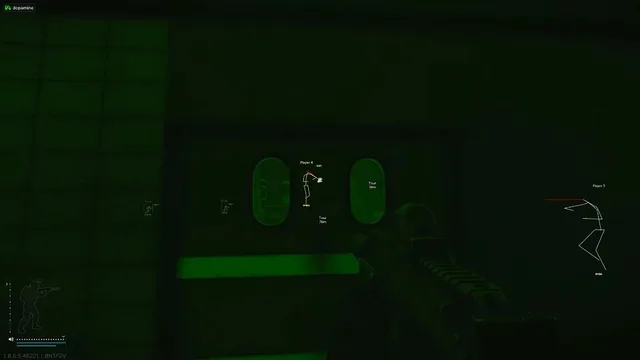
Scan each hardware row for changed versus unchanged values, then reboot only after the diff matches the portal checklist.
- Layer B
UEFI toggle board
Enable GPU or ethernet spoofing, set a seed, and trigger permanent spoof without leaving the UEFI tab.
FAQ
Questions about this page
Answers tied to what you are reading. Visit the FAQ page for every topic.
Blog
Related guides
Filter by topic to find setup guides, feature deep-dives, and patch-day notes.
An HWID ban follows your hardware, not just your account. Here is how that works and what a spoofer with a cleaner is designed to do.
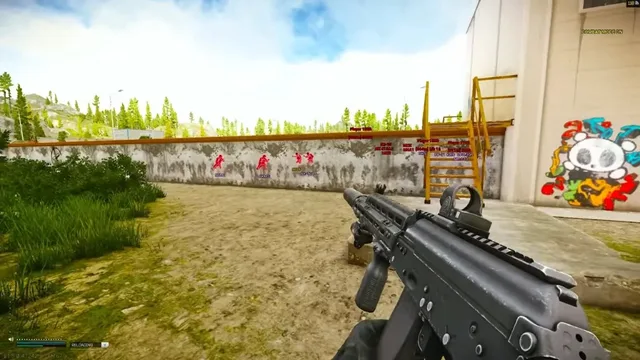
BattlEye is the anti-cheat behind Tarkov. Here is a straight explanation of what it is, what the risks are, and how to approach it sensibly.
Escape From Tarkov community forum
Read discussion
Archived, read-only threads on loader setup, loot ESP, patch status, and HWID bans. Replies are closed.
- Ban Help Got an HWID ban in Tarkov, does a spoofer actually help? A player is stuck after a hardware ban and the thread explains what a spoofer changes, what it cannot fix and how to run it.
- Anti-Cheat BattlEye in Tarkov, honest talk about ban risk A straight conversation about BattlEye, why no tool is risk free and what habits matter.