
Loot ESP controls
Loot ESP
Master switch for loot labels.
Minimal Price
Hide items below a price floor.
Ignore not Selected Items
Shows only items matching your filter selection.
Draw Distance
Maximum distance loot labels draw.
Draw Price
Shows item price on labels.
Custom Loot Coloring
Color rules for loot tiers.
Loot Filter
Filter builder for item types.
Loot Category
Category toggles for loot types.
Search
Search within loot filter lists.
Loot Presets
Saved loot filter presets.
Containers
Master toggle for container ESP.
Military
Military crate category.
Technical
Technical crate category.
Medical
Medical crate category.
Valuable
Valuable item category.
Common
Common item category.
Woodcrate
Wooden crate category.
Stash
Stash container category.
Dead Body
Dead body loot labels.
Computer
Computer container category.
Corpse
Corpse loot labels.
Weather
Weather override controls when listed.
Wind Speed
Wind speed override.
Cloud Density
Cloud density override.
Rain
Rain override.
Fog
Fog override.
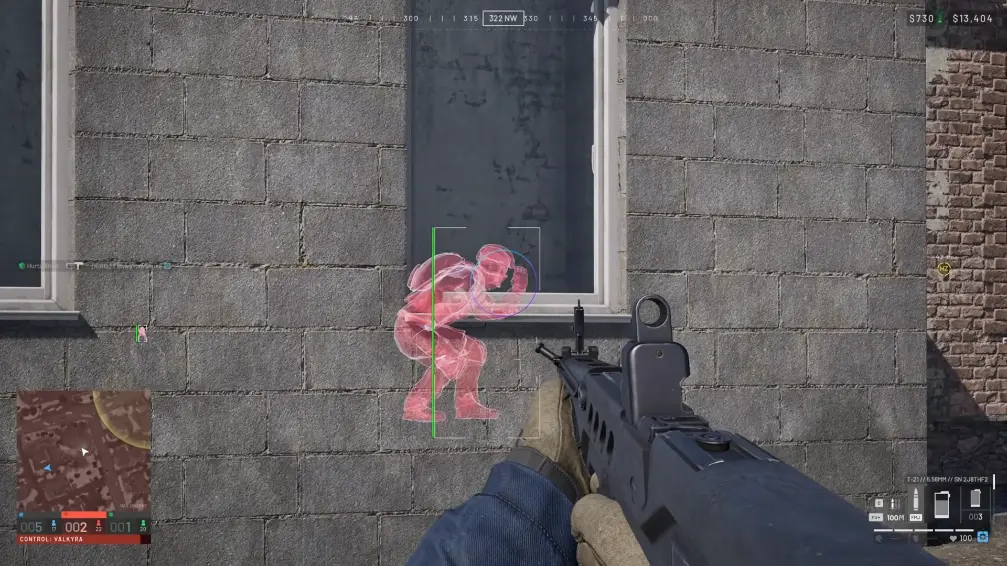
Loot filter and extract planning
Combine minimal price, categories, and presets so labels stay readable. Pair loot ESP with player ESP for contact awareness and with exfil markers from the visual module when routing out.
Works well with
Related reading
Tarkov Loot ESP questions
Does loot ESP include extract ESP?
Extract and transition markers are listed under visual options on the product page. Loot ESP covers items, corpses, and containers here.
Loot ESP ships with the full menu
One license covers every module. Monthly is $35 for 31 days. Lifetime is $150.
Around the site
Status, checkout, and the guides that sit around this module.